Media Kit
Download official Flarial logos, banners, and brand assets for videos, thumbnails, posts, and community projects.
Download the kit
Grab the bundled Flarial Media Kit if you want the main logos, banners, and role-style icon variants in one download. Use these for video overlays, thumbnails, social posts, articles, and other creator/community content about Flarial.
- • Primary SVG logo
- • Transparent logo-and-name wordmark
- • Black background wordmark
- • High-resolution transparent PNG logo exports
- • High-resolution banner artwork
- • Client screenshots
- • Flarial icon variants
- • Wordmark background variants
- • Space Grotesk typography notes
Brand assets
Download individual high-quality assets when you only need one logo or banner.


Flarial Client logo-and-name wordmark with a transparent background for overlays and creator graphics.
Flarial wordmark with logo on a black background for dark thumbnails, cards, and embeds.
High-resolution Flarial banner artwork for posts, video descriptions, and embeds.

Client screenshots
Use these high-resolution client screenshots for videos, thumbnails, articles, social posts, and creator graphics that need real Flarial UI/gameplay examples.
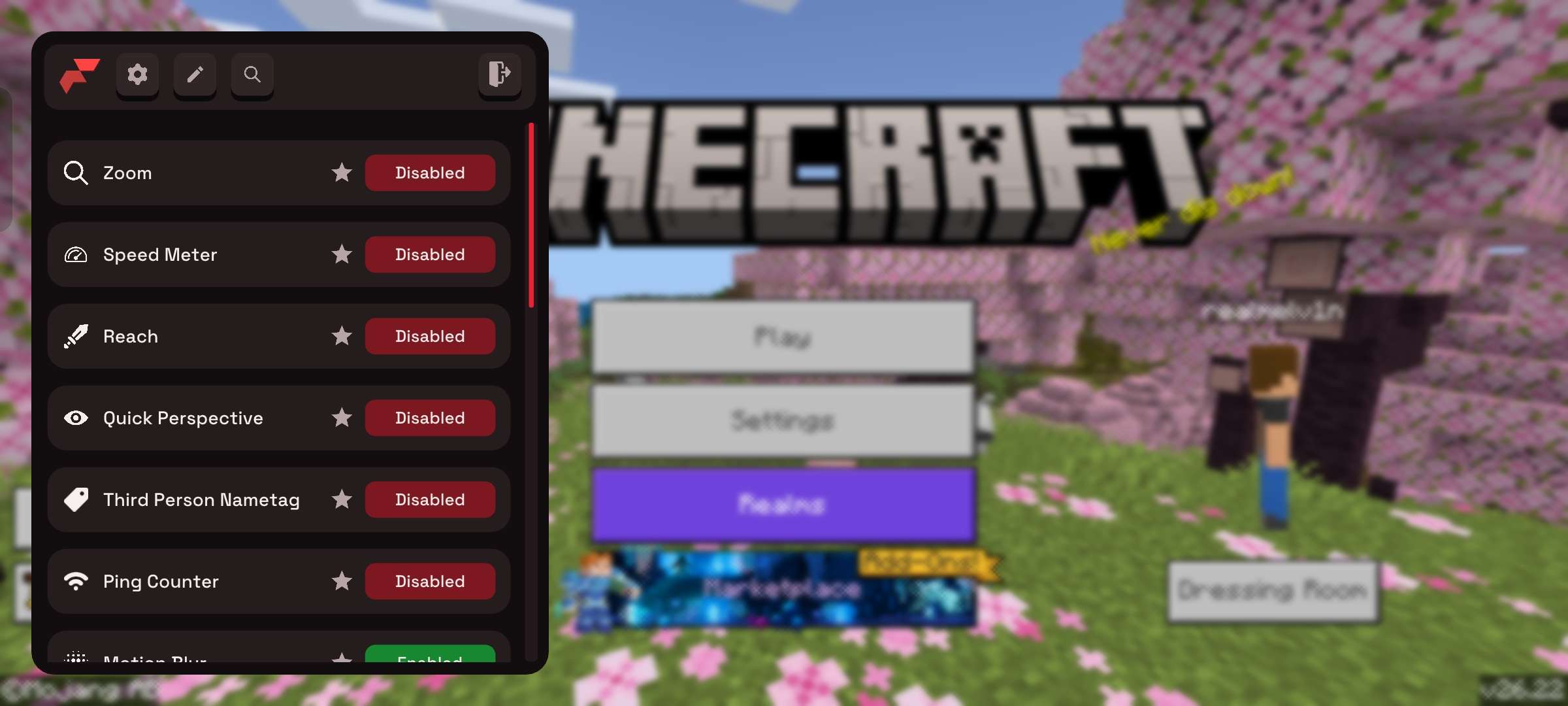
Minecraft main menu with Flarial's module list and toggles open.
Download JPG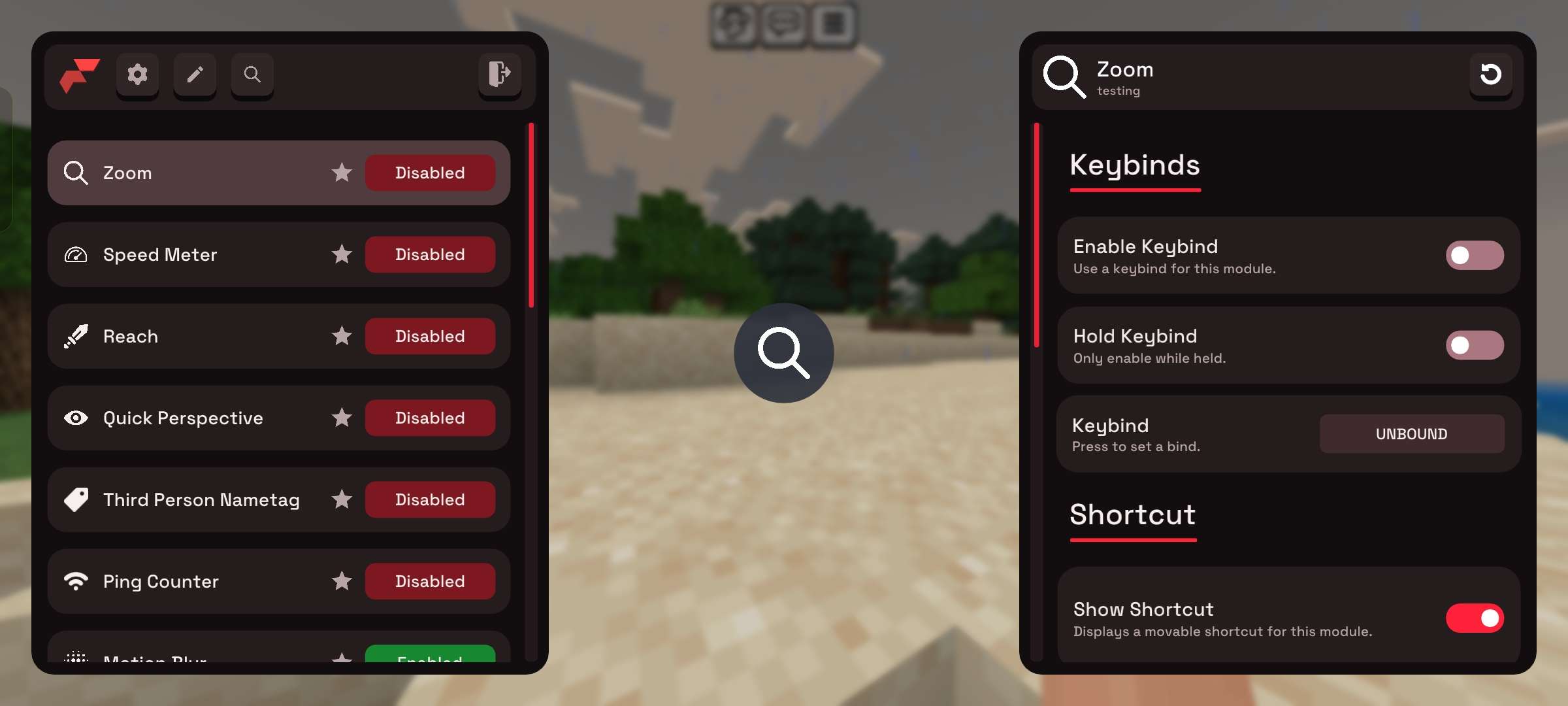
In-game module settings with keybind controls and shortcuts visible.
Download JPG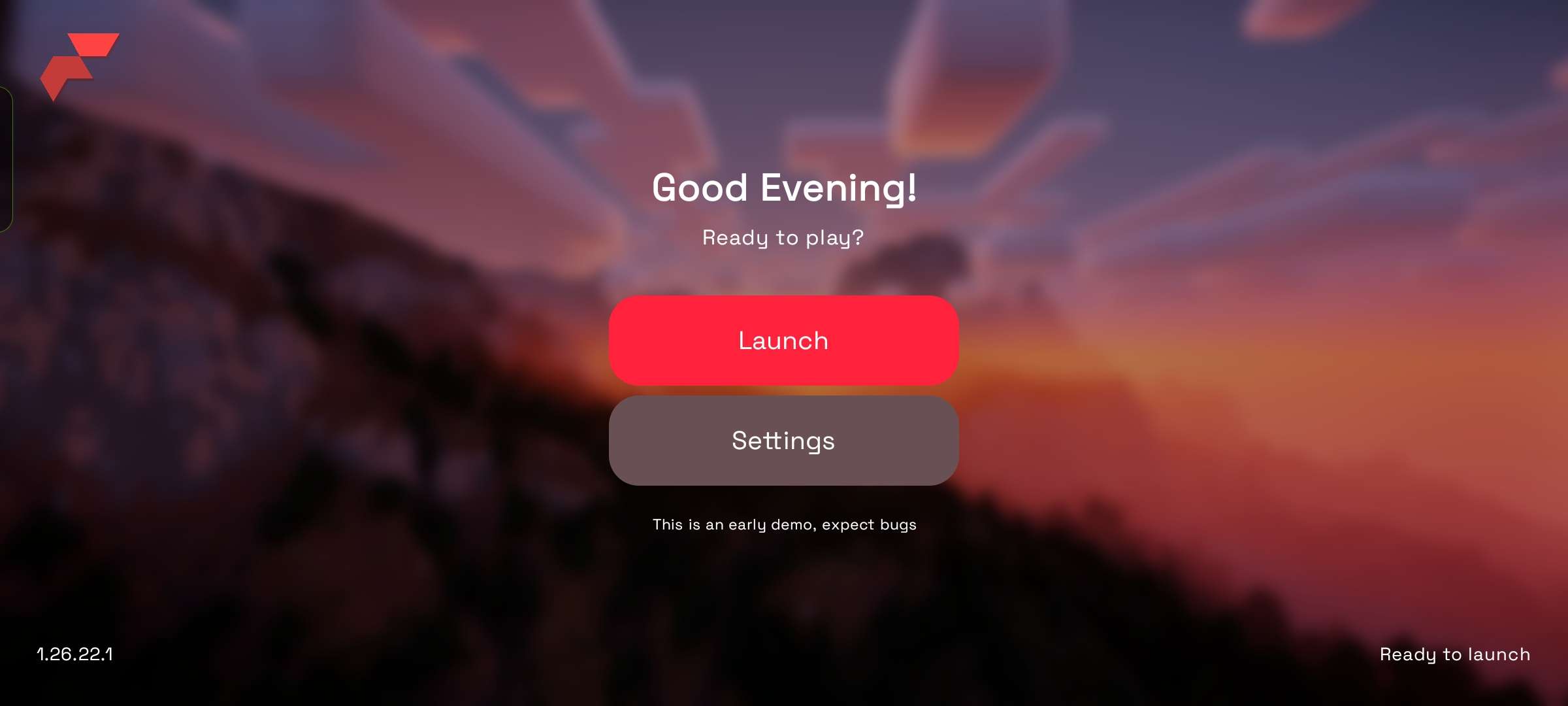
Flarial launcher home screen with launch and settings actions.
Download JPG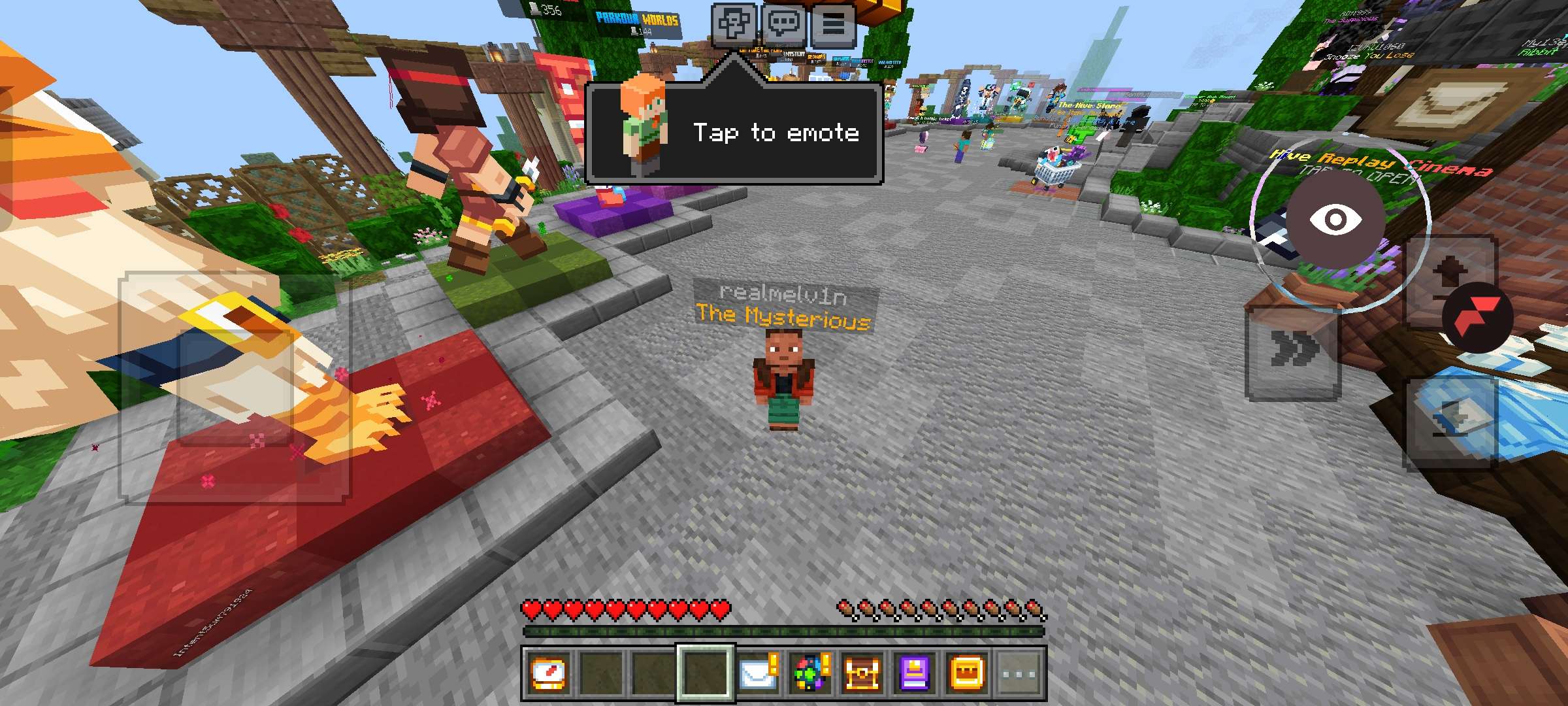
Gameplay view with mobile controls and Flarial client buttons visible.
Download JPG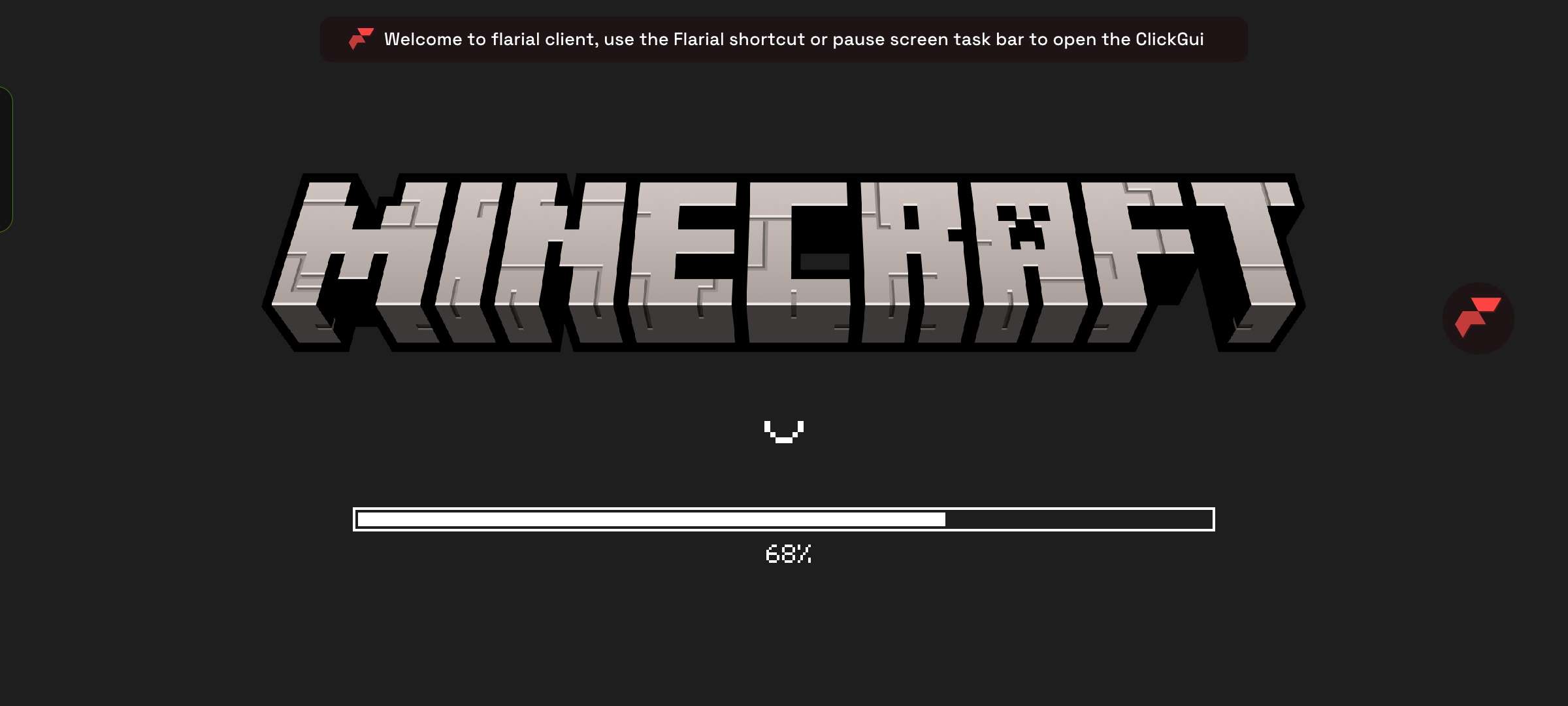
Minecraft loading screen with a Flarial tip about opening mods.
Download JPG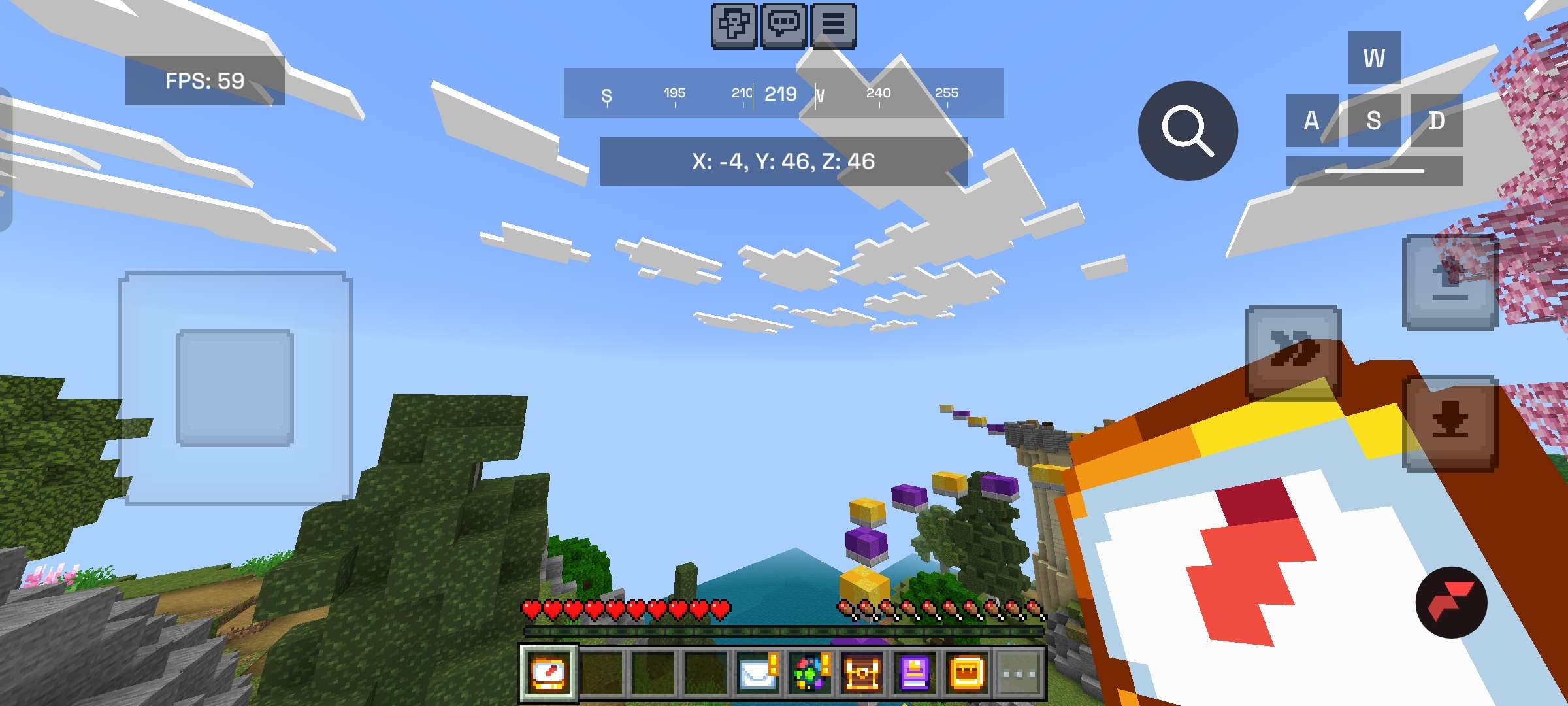
Gameplay HUD example with coordinates, FPS, keystrokes, and controls.
Download JPG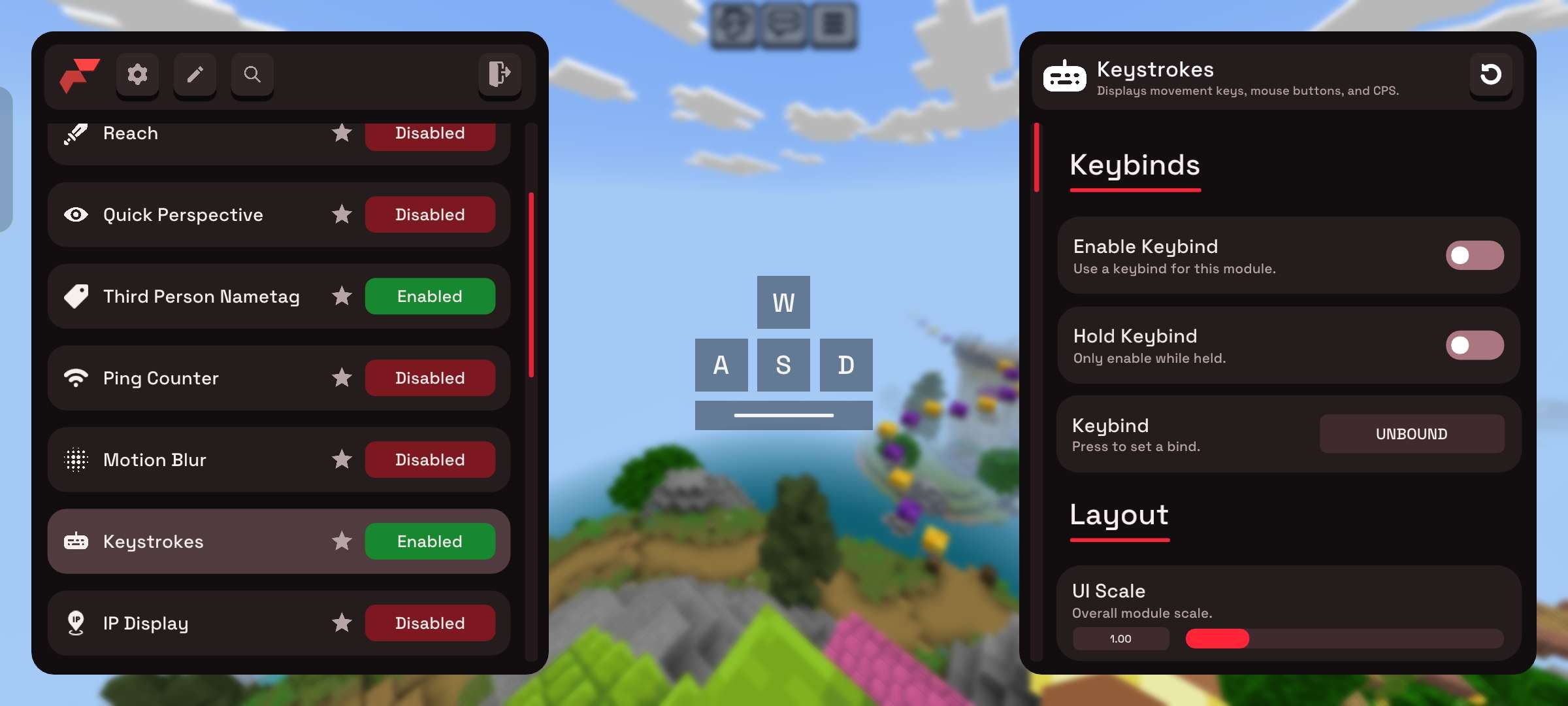
Flarial keystrokes module settings with layout and scale controls.
Download JPGLogo variants
These 128×128 icon variants are useful for credits, badges, small overlays, and community pages where a compact Flarial mark fits better than a full banner.








Wordmark background variants
Use these Flarial Client wordmarks when you need a ready-to-place banner-style mark with a light, dark, or scenic background already included.



Typography
Flarial uses Space Grotesk as its primary brand/display font. Use it for headings, thumbnails, banners, and creator graphics when you want the artwork to feel close to the official Flarial site.
Download Space GroteskGeometric, clean, and chunky enough for Flarial branding without turning into corporate soup.
Usage notes
Use these assets for videos, thumbnails, news posts, guides, tutorials, and community pages about Flarial.
Do not stretch, heavily distort, or recolor the logos in a way that makes them hard to recognize.
When possible, link back to Flarial or mention that the assets are official Flarial brand assets.